Construction Loan Manager
I created a web-based construction loan system for a credit union to manage a large portfolio of residential and commercial loans.
Loan Management
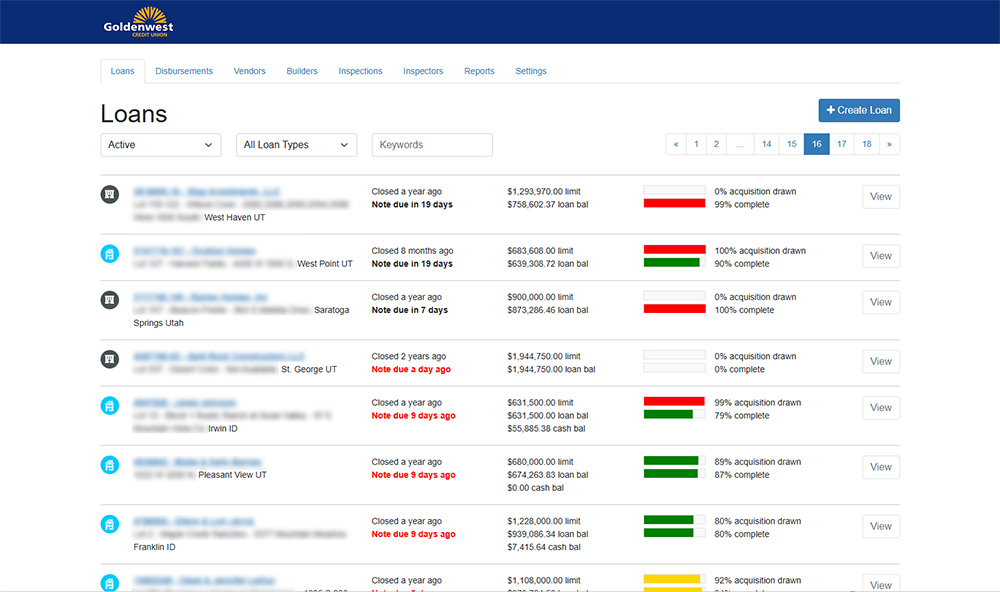
View a list of all loans in the system including status, type, account number and owner, balances, and progress of draws and completion. Filter by loan types and search by keywords.
Loan Details
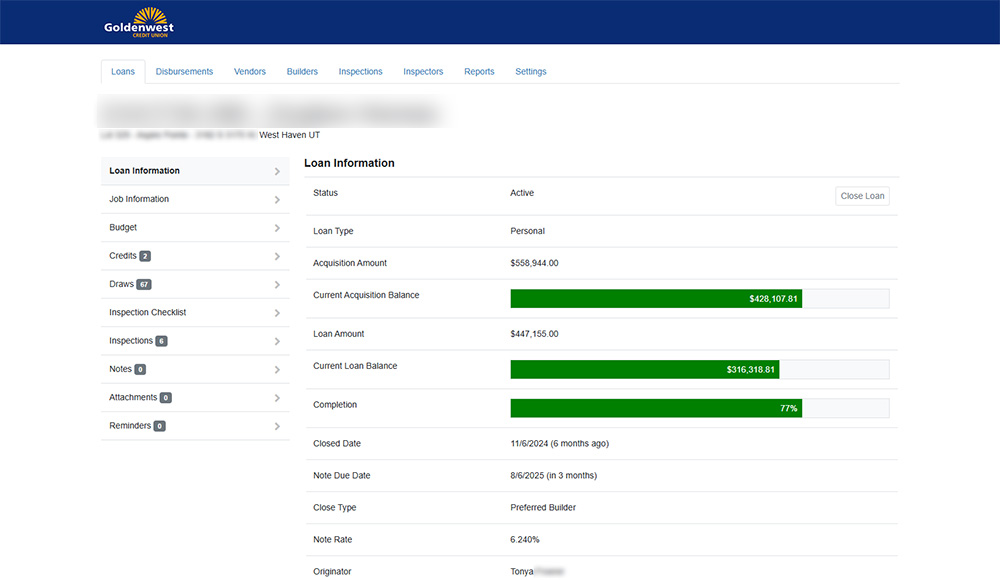
Displays the status of the loan including acquisition totals, loan totals, and completion percentages.
Jobs
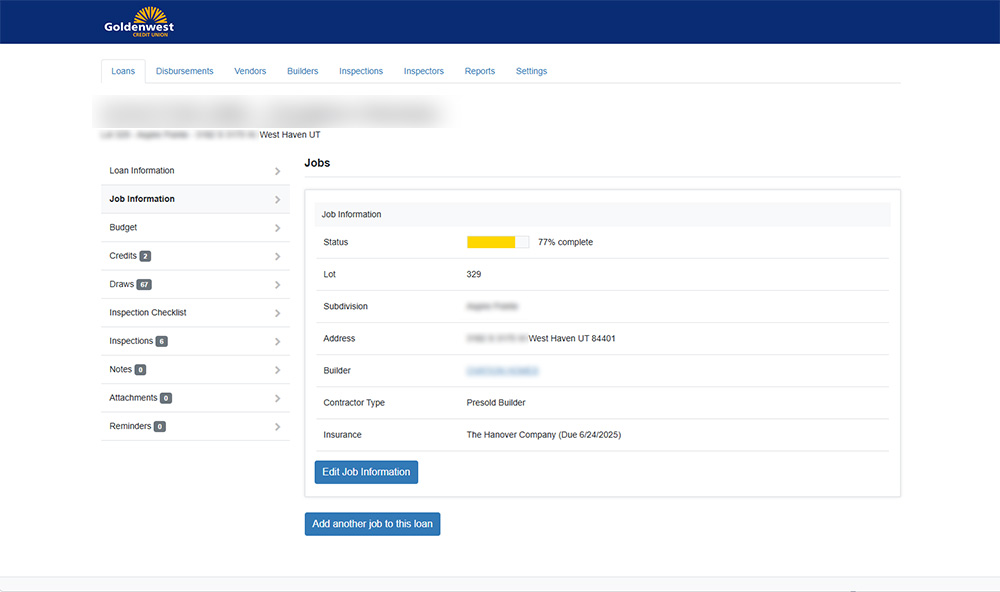
View the status of each job on the loan. Displays the location of the job, the builder, the job type, and the insurance status.
Job Budgets
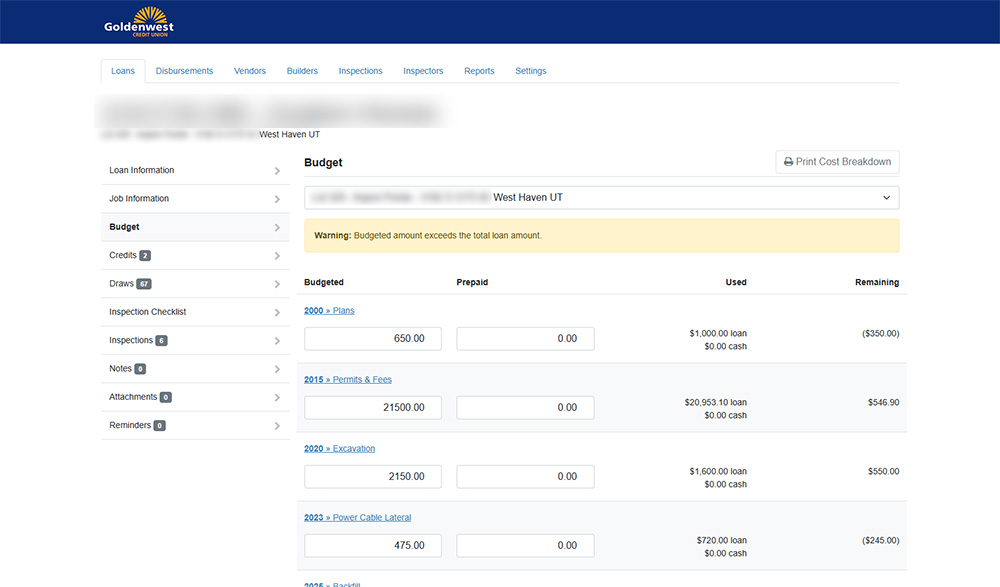
This is where cost codes are set up for each job. Budgeted and prepaid amounts are entered and the system calculates the amounts used and remaining for each line item.
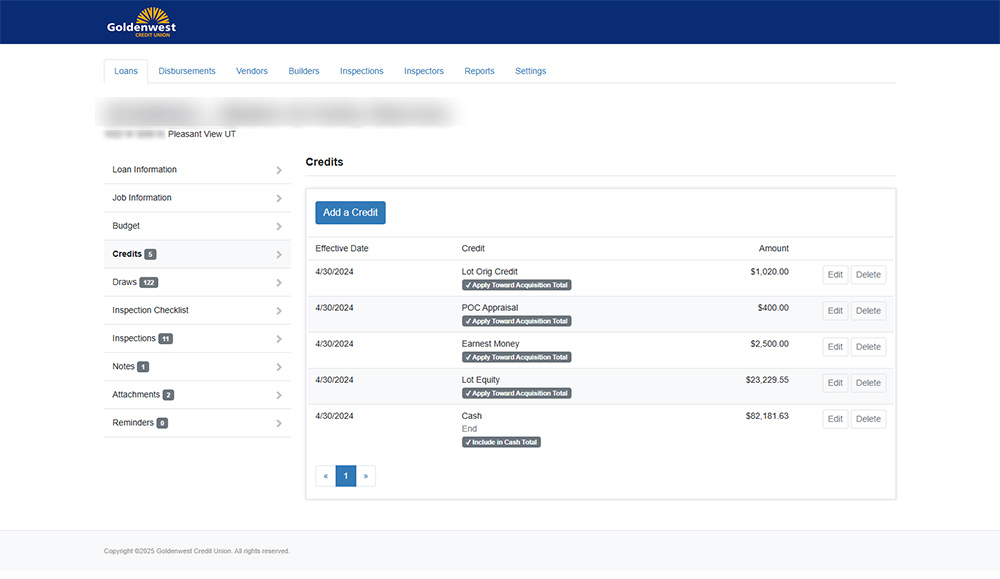
Loan Credits
Add credits to the loan. Credits can include funds already spent on the lot and cash available. Each credit can be marked to apply towards the acquisition totals or cash totals.
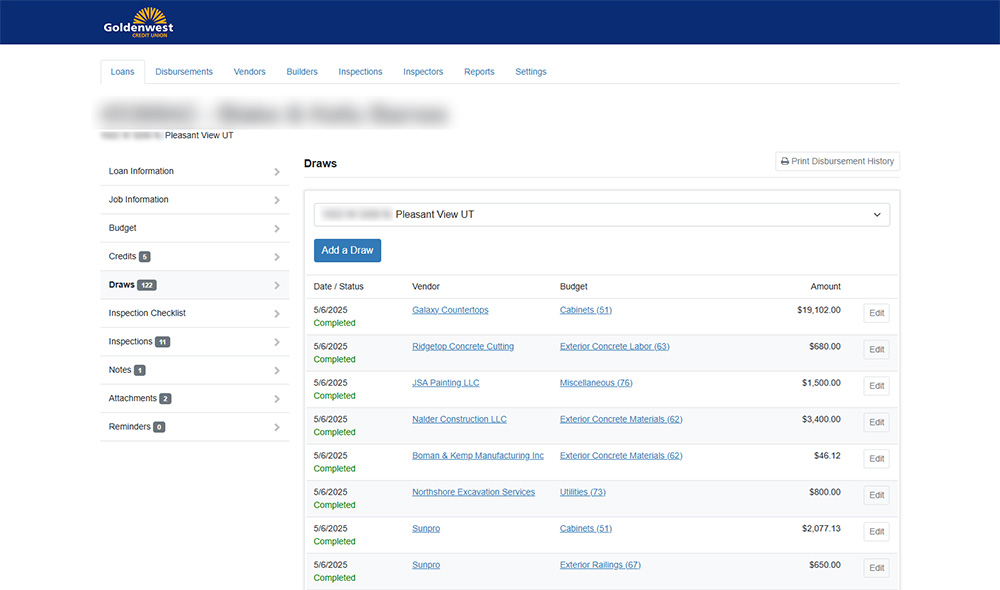
Draws
Displays draws that have been entered against the loan. The status, vendor, budget cost code, and amount are displayed.
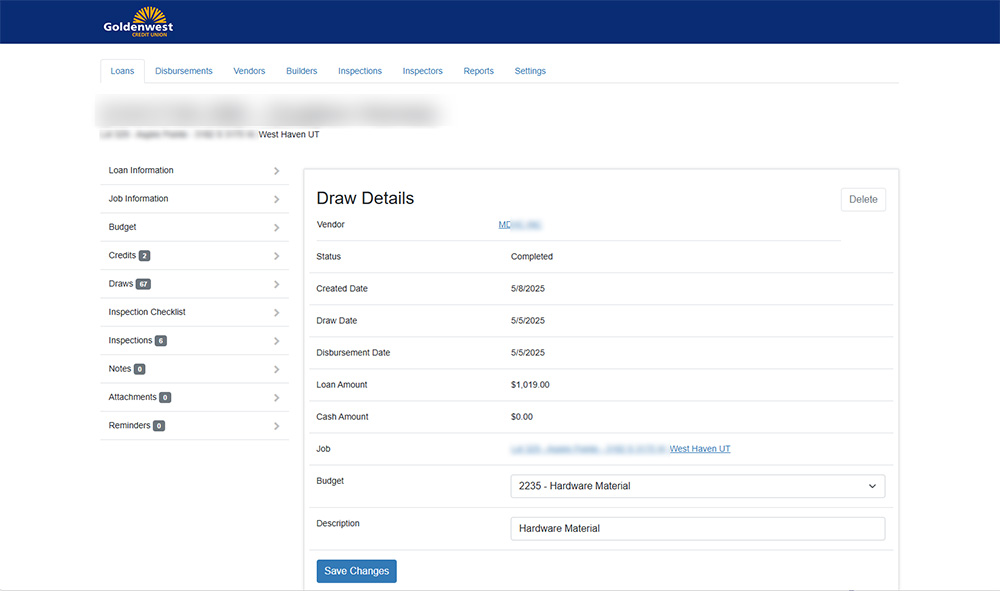
Draw Details
Displays more detailed information about a draw. Once a draw has been completed, only the budget cost code and description can be changed.
Inspections Checklist
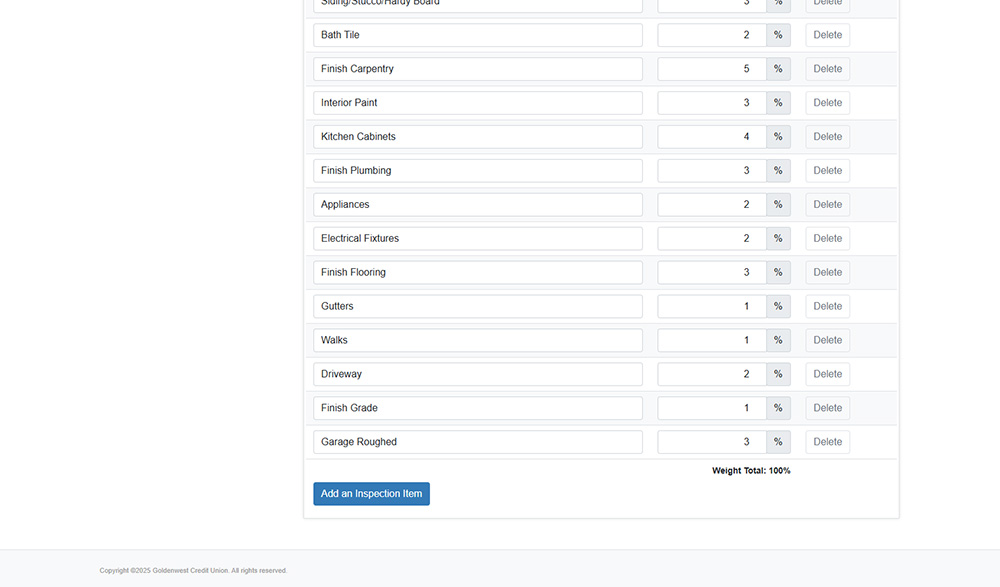
Defines the items that should be checked in each inspection and the weight of each item towards completion.
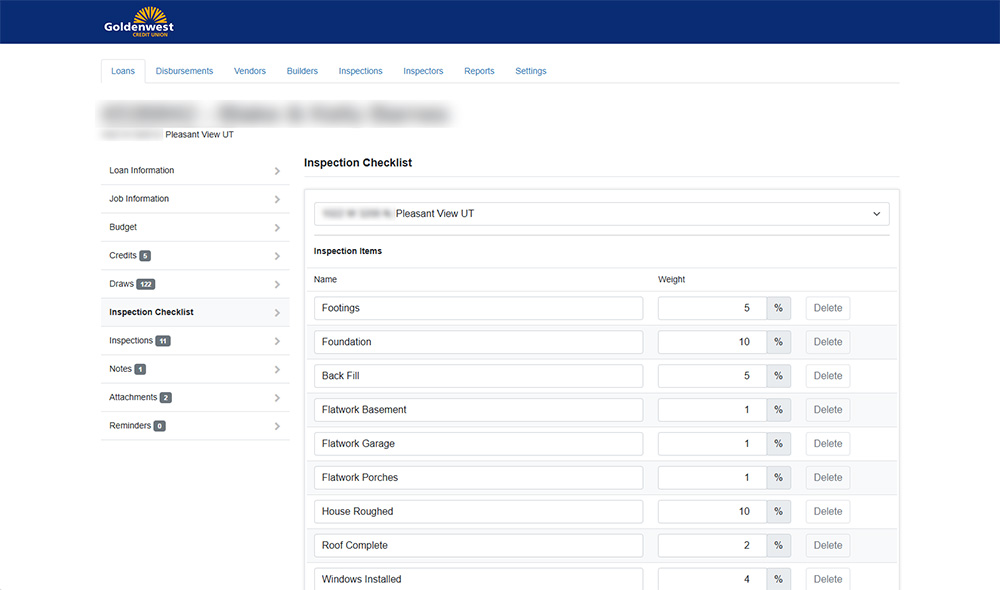
Inspections Checklist
Defines the items that should be checked in each inspection and the weight of each item towards completion.
Inspections
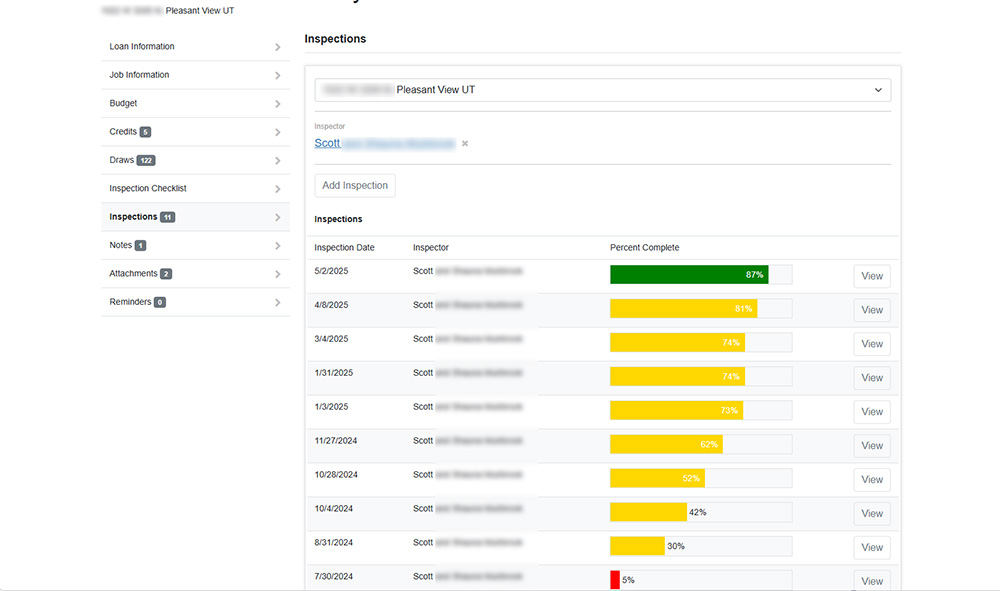
Lists the inspections that have been completed for a job and the completion progress of the inspection. Also allows a job to be assigned an inspector.
Inspection Details
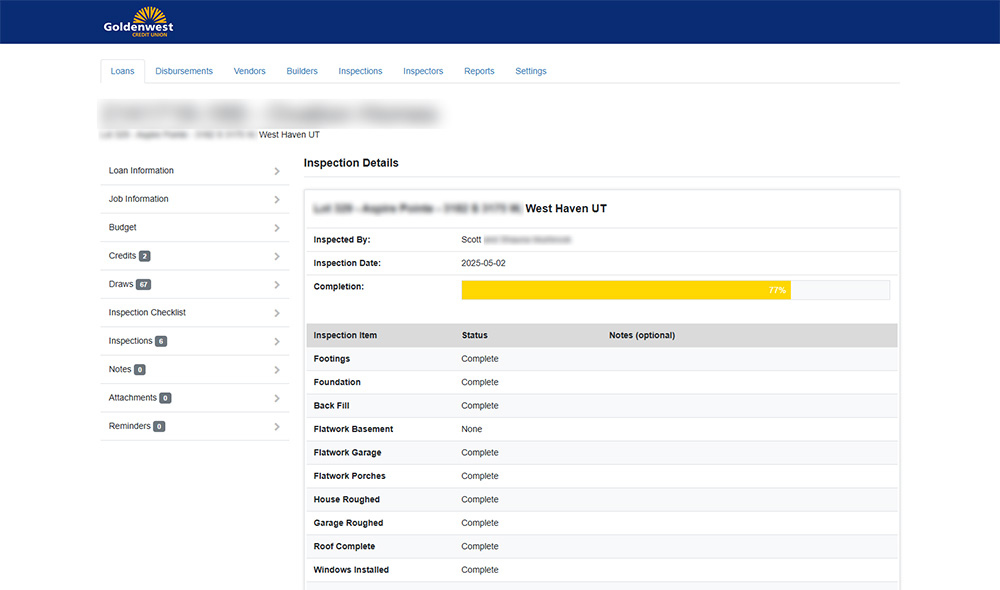
Displays the status of each item in an inspection. Details also include the name of the inspector and the date the inspection was completed.
Loan Notes
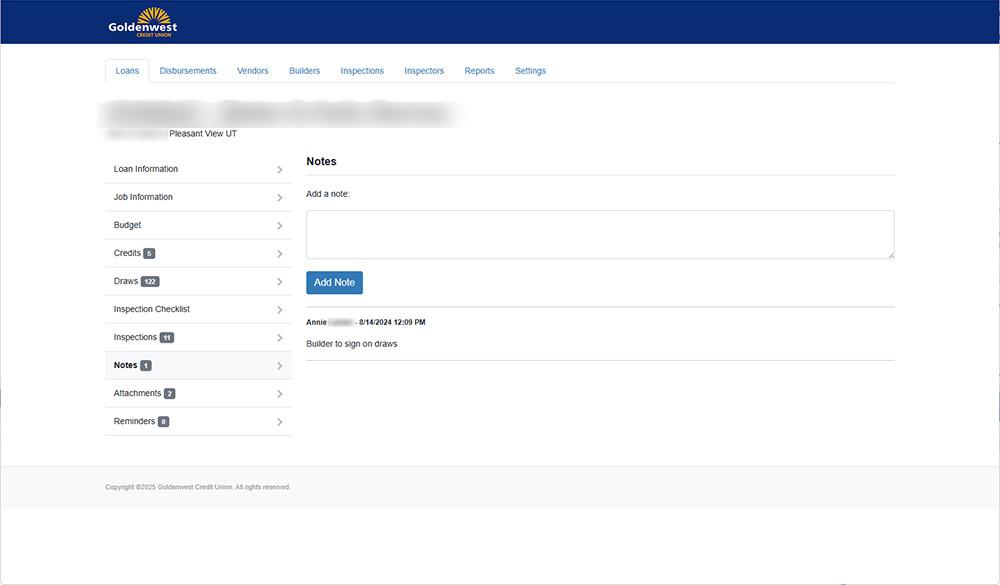
Allows notes to be entered by employees for the loan.
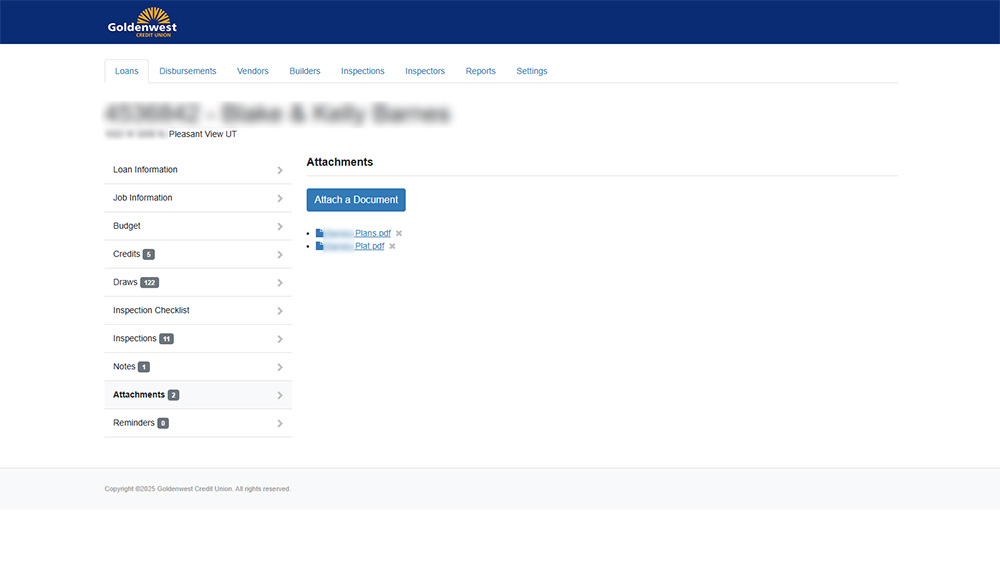
Attachments
Allows files to be attached to the loan. The files are typically the plans and plot information for the loan. The attachments are shared with the inspectors so they can access them on the job site.
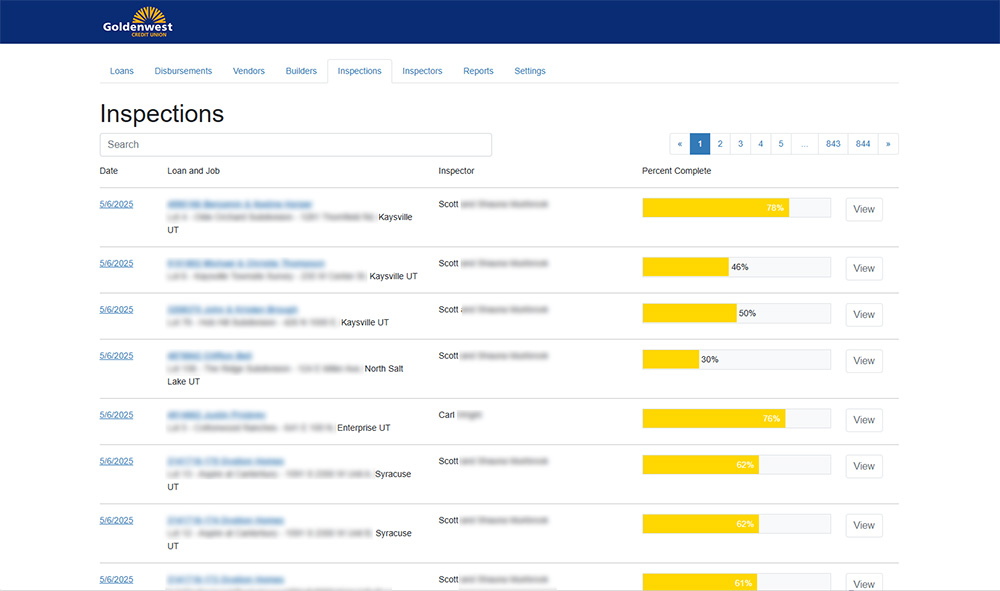
All Inspections
Displays a list of all inspections in the system. Inspections can be searched by keyword.
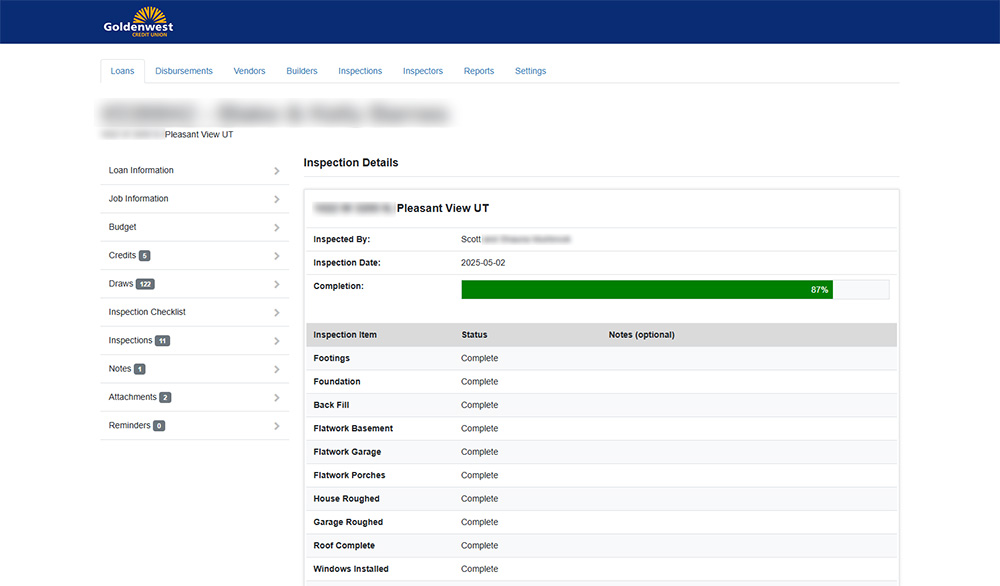
Inspection Details
Displays the status of each item in an inspection. Details also include the name of the inspector and the date the inspection was completed.
Inspection Details
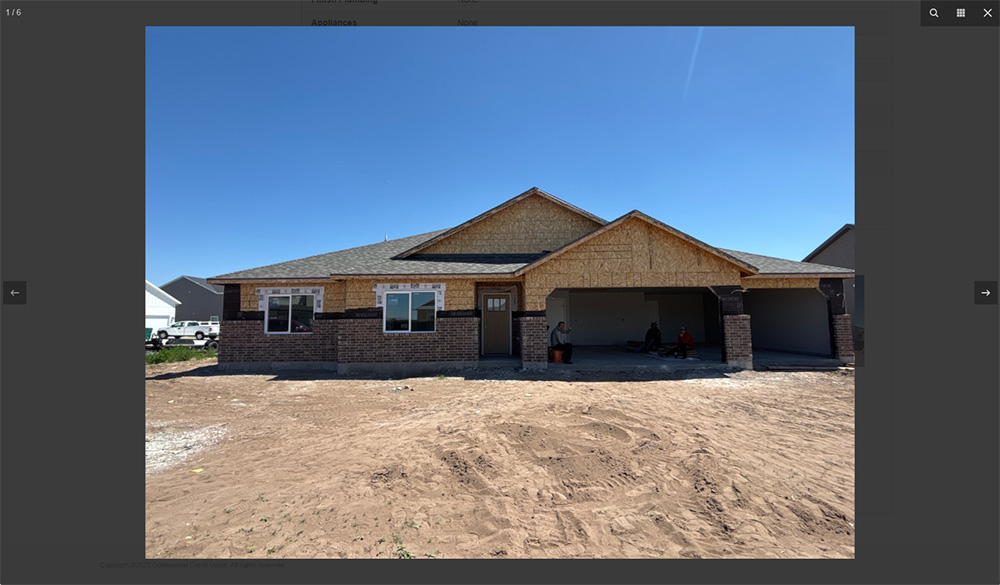
Photos that are taken during the inspection are automatically attached to the inspection details. Staff can click on the photos to view a larger image.
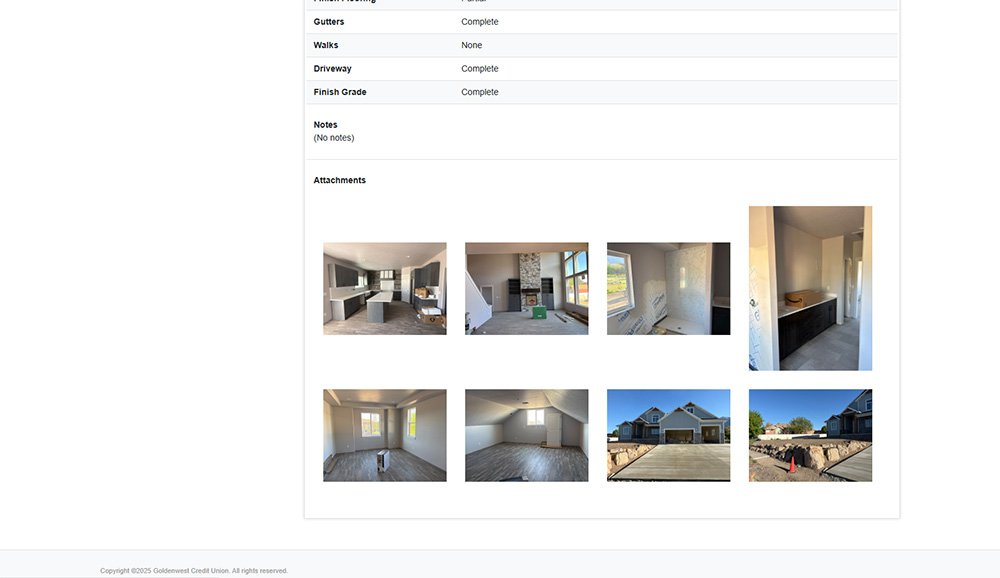
Inspection Photos
Examples of photos taken during an inspection. The photos are immediately available to users in the system when the inspection is submitted by the inspector.
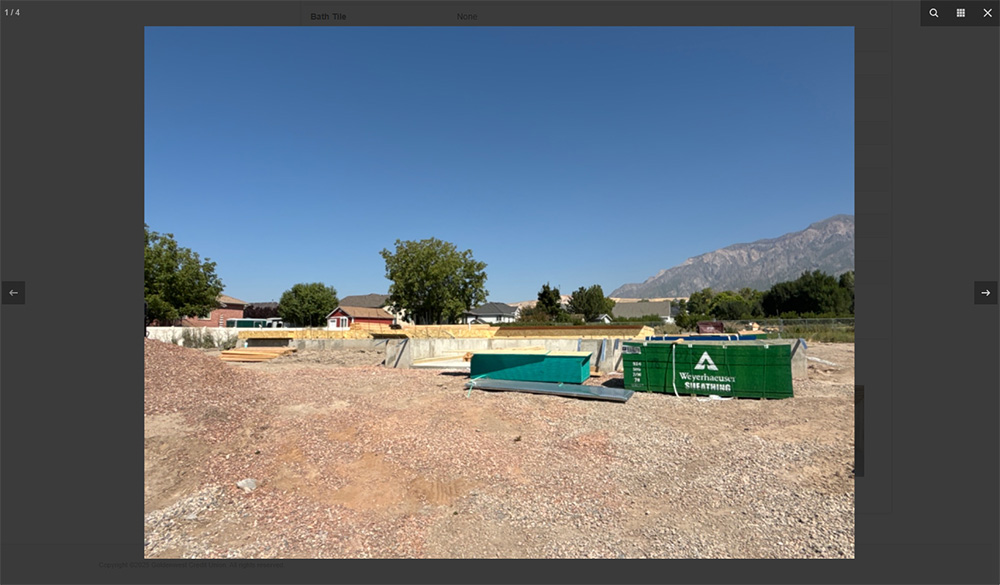
Inspection Photos
Examples of photos taken during an inspection. The photos are immediately available to users in the system when the inspection is submitted by the inspector.
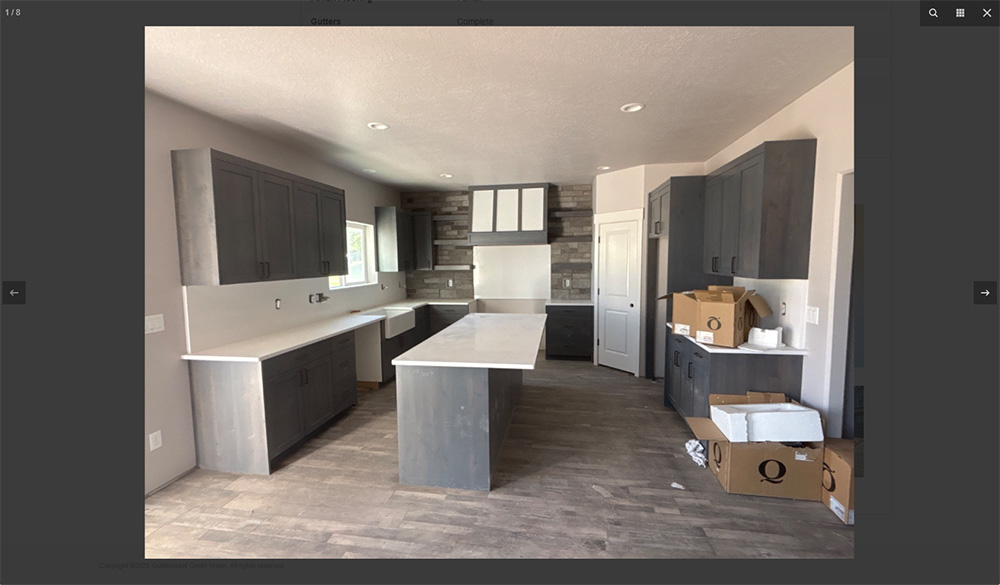
Inspection Photos
Examples of photos taken during an inspection. The photos are immediately available to users in the system when the inspection is submitted by the inspector.
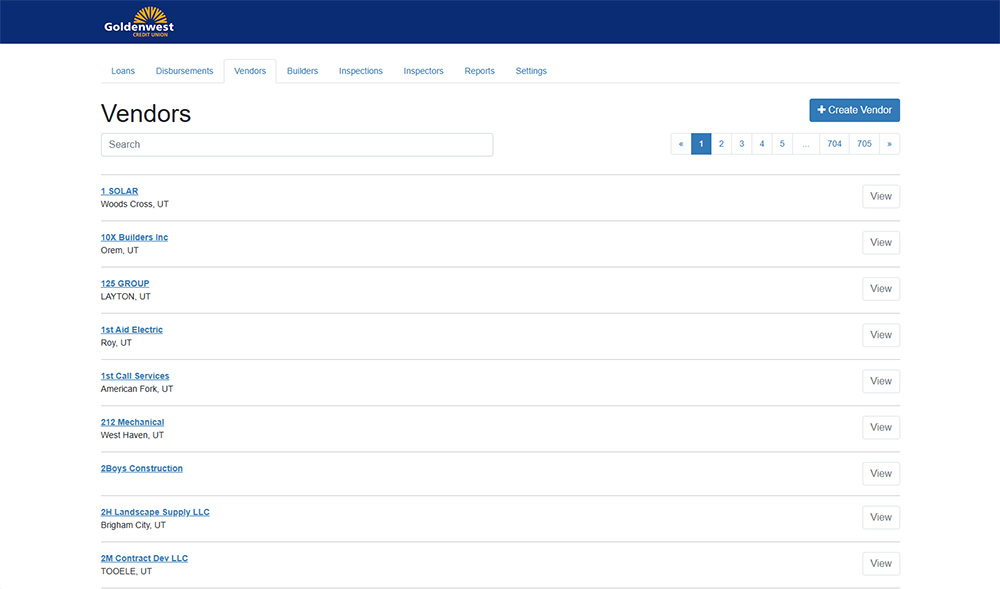
Vendor Management
Lists vendors in the system. Vendors records are used when disbursements are made as part of a draw.
Builder Management
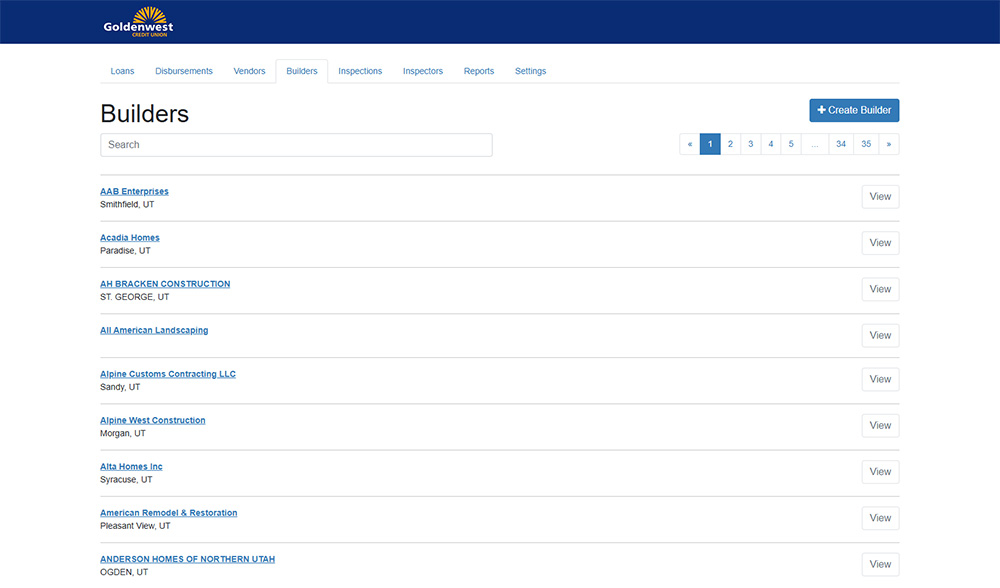
Lists builders in the system. Builder records are used in the loan details.
Disbursements
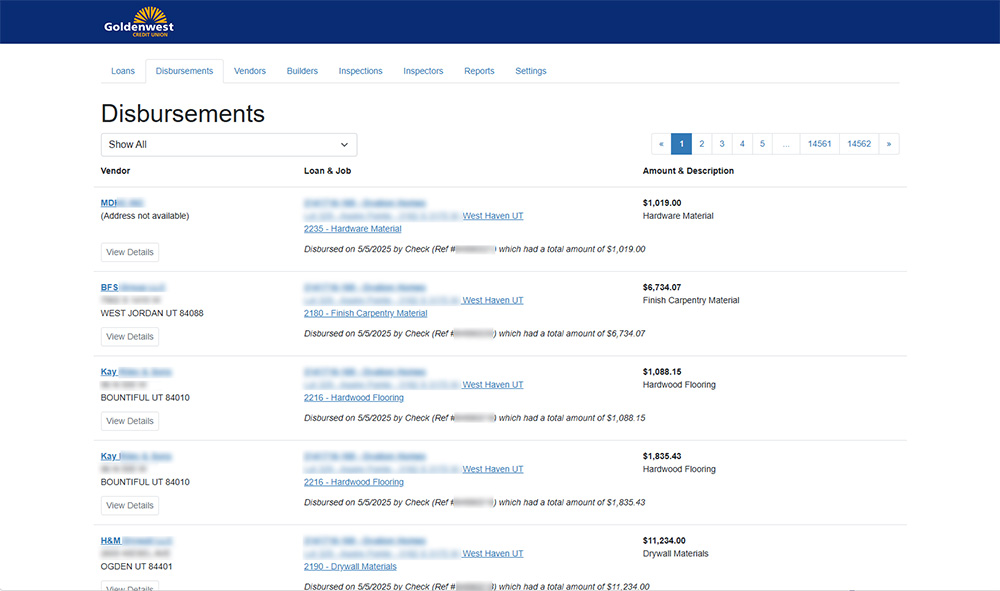
Disbursements list the detail for funds going out of the system to pay vendors and builders.
Reports
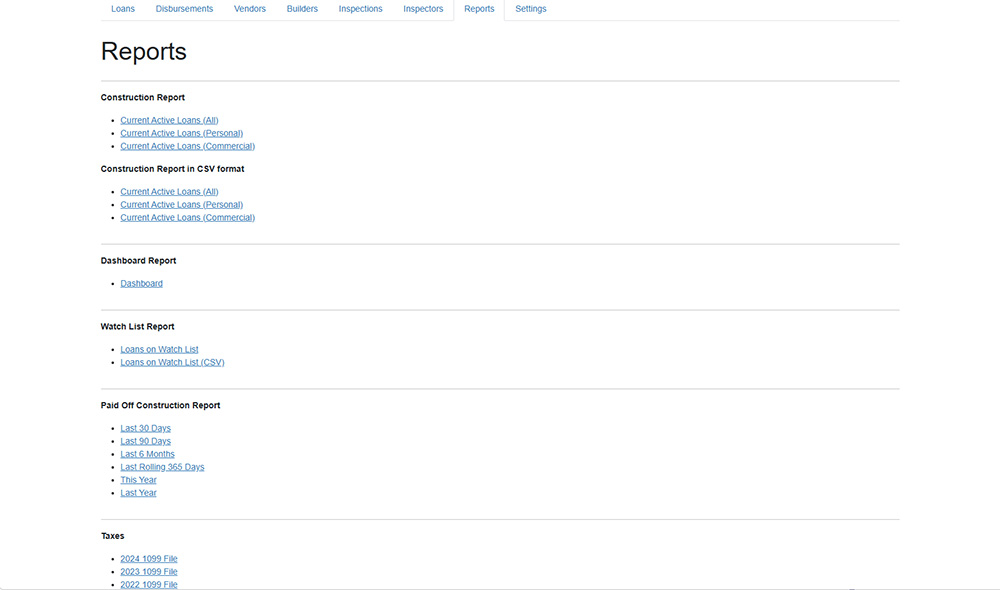
Several reports are available including detail lists for management to view the status of each loan, a dashboard report, loans that need special attention, and paid off reports.
Reports
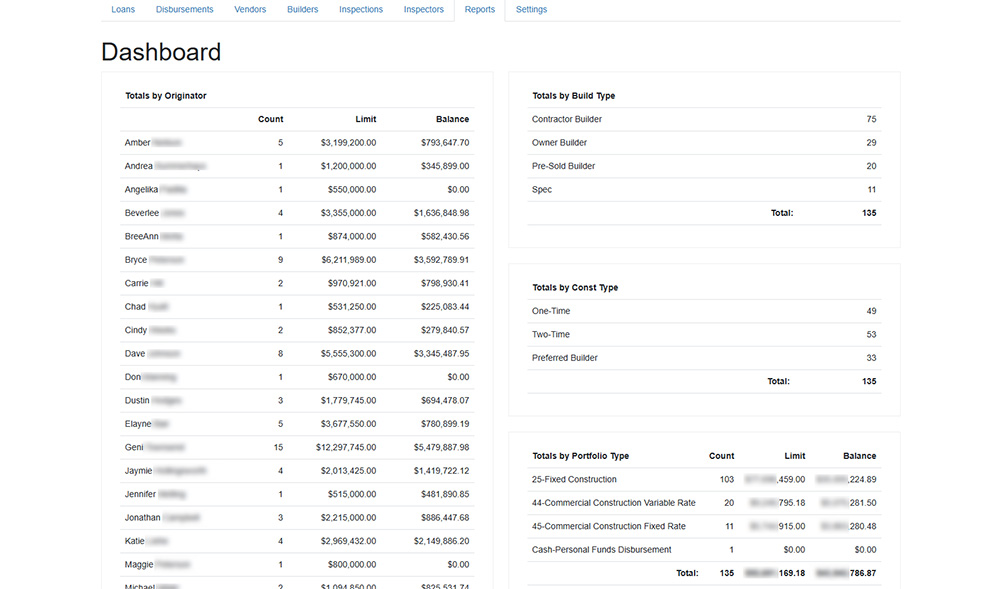
The Dashboard Report is one example showing totals by loan originator, build type, construction type, and portfolio type.
Overview
A credit union had an old, tired Microsoft Access database created by an out-of-business, third-party company that they were using to manage and track construction loans in their pipeline. The system only allowed one employee to use it at a time and had many problems. This clunky system forced employees to use paper records for nearly every step in the process which consumed even more time and resources.
After credit union employees evaluated several vendors who provided similar construction loan solutions, I was asked to create a new web-based system that could automate much of the job functions and speed up the entire process while also saving the credit union money by not paying licensing fees.
Features
Entirely Web-Based Solution
The system is entirely web-based so there are no applications to install and maintain.
Active Directory Integration
The system is integrated with Active Directory. Users don't need to sign in to the system. It knows who they are based upon their Windows login.
Commercial and Residential Construction Loans
It tracks both residential and commercial loans for the company. It manages job information, budget, draws, inspections, notes, disbursements, vendors, builders, and more.
Real-Time Inspections
Construction inspectors submit their inspections electronically. Inspectors are assigned to jobs and those jobs automatically show up in a list that the inspectors view. The list shows when a job was last inspected, the address of the job, the builder and client contact information, and more. The inspectors can create a new inspection and report the progress of the job. They can also attach photos and files to the inspection report. When the inspection is marked complete, the system automatically updates the progress of the job in all reports and sends the photos and attachments to headquarters.
Reporting
All reports are generated from the database so they are updated in real time. There are many reports available including current loans, paid off loans, IRS extracts and more.
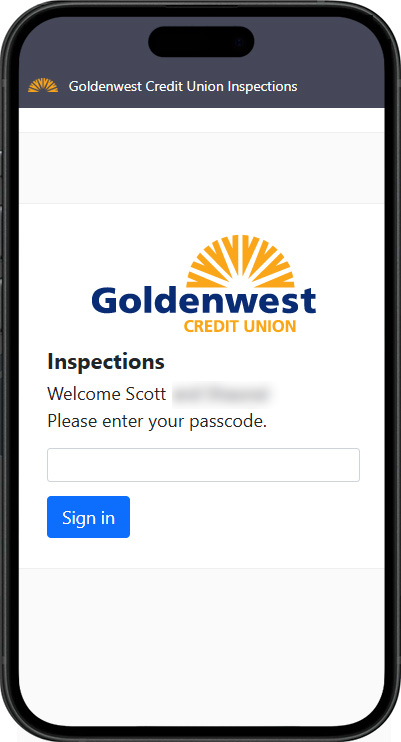
Mobile Construction Inspections
Inspectors have their own website where they sign in and submit inspections.
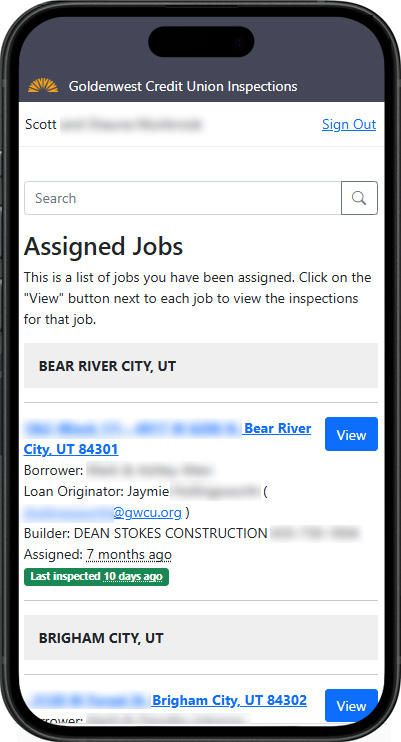
Inspector's Assigned Jobs
Inspectors can view the list of jobs they are assigned to inspect. Jobs are grouped by city. They can also search for a specific job.
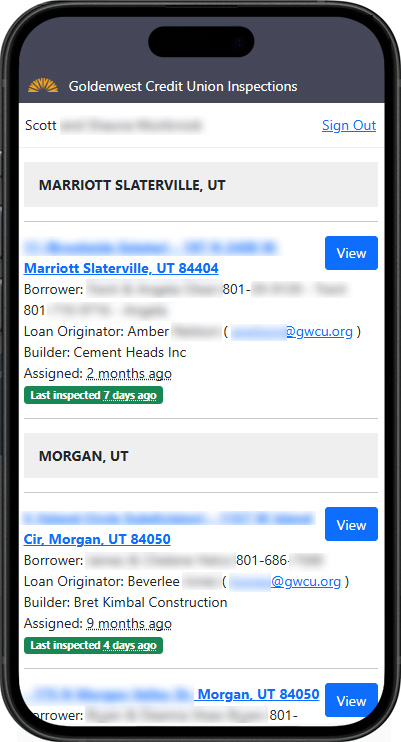
Inspector's Assigned Jobs
The jobs list includes the address of the job, the borrower's name and contact information, the builder, and the number of days since the last inspection.
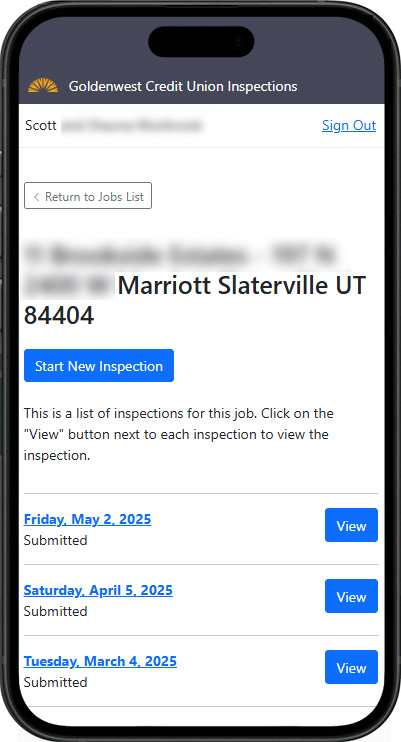
Job Details
When viewing the job details, an inspector can see the address of the job, a button to create a new inspection, and the list of previous inspections.
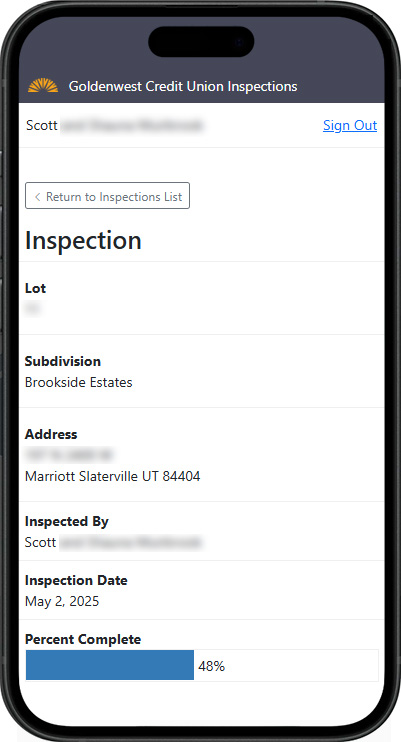
Inspection Details
This screen displays the details of an inspection including the date of the inspection and the completion status of the job.
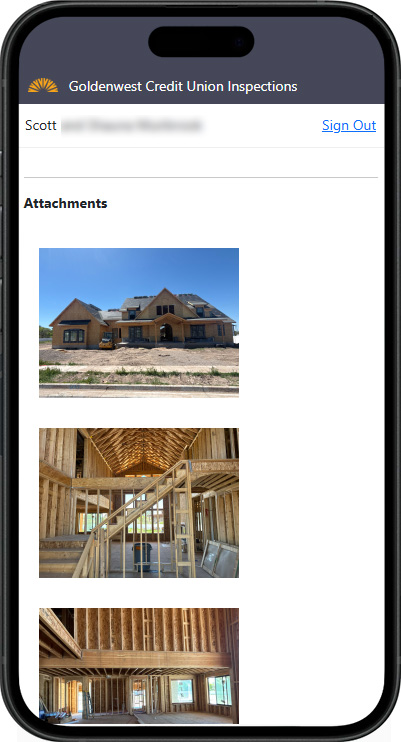
Inspection Attachments
The inspector can take photos of the jobsite directly from the inspection app. Other documents can also be attached.
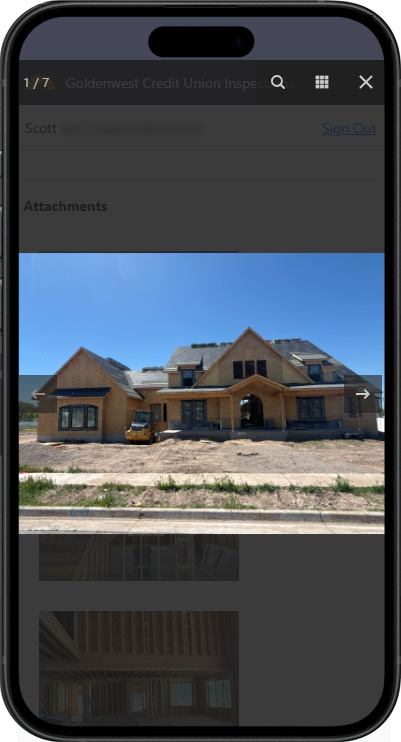
Inspection Photos
Photos can be viewed by an inspector once they have been taken in the app.
My Involvement
I was the only developer on this project. I worked with a Vice President and other employees over construction loans at the credit union to determine the requirements for the project. Then I developed the entire system myself including front end (HTML, CSS, Javascript, etc.), back end (ASP.NET MVC, C#, web services, Entity Framework) and database (SQL Server). I then created a test environment and deployed it to that environment and worked with various employees to test and refine the system until it met their expectations. After testing was complete, I created a production environment and deployed it there. Then I worked with employees to ensure the production environment met their needs.
As additional features have been added over the last couple of years, I have continued to work with the stakeholders to get those implemented. I continue to be the only developer on this project.
Process
After meeting several times with employees about this system, I created a new repository in our in-house Git server and created a new solution in Visual Studio. I started with a rough database schema in SSMS and then used the Entity Framework scaffolding to create code-first objects and context. The database model and context were separated in their own projects for easier testing.
Then I designed a service layer on top of that using WebAPI. The service layer has its own model project and the WebAPI and actual business service objects are also in separate projects.
There are two different front ends for this project. One front end is the piece that the construction loan managers and other internal employees access to manage the construction loans. The other front end is a separate, public-facing website that is used by inspectors to manage and submit their inspections from their mobile devices.
Testing
Once development is complete (and after each change), the code is deployed to a staging environment where the code can be tested by employees before it is deployed to production.
Results
The entire system is working well with 235 commercial and residential loans currently active in the system (valued at over $190m). The system averages 143 inspections submitted per month.
Because the software is not developed by a third-party company, it has saved the credit union of thousands dollars in licensing fees.